Planvo Logo
PlanvoAI
Pricing
Start free trial
Planvo Logo

Trade software – everything in one place.

+49 176 66890147info@planvo.de
Download Planvo on the App StoreGet Planvo on Google Play

Product

  • What is Planvo?
  • Vs. Excel / WhatsApp
  • Vs. Plancraft
  • Pricing
  • Features
  • PlanvoAI
  • Help Center

Solutions

  • Time tracking
  • Shift planning
  • Scheduling board
  • Projects
  • Invoices
  • Team
  • Quotes
  • Integrations
  • Mobile app

Trades

  • Elektro / PV
  • SHK
  • Maler
  • Dachdecker
  • Tischler
  • GaLaBau
  • All trades →
  • More industries →

Company

  • Careers
  • Contact
  • Request demo

© Planvo 2026

DE|EN
ImprintPrivacyTermsMade within Germany
Time tracking

Modern time tracking for your team

Capture work hours digitally — from the mobile app to the web portal. With Planvo you see all hours in one place and save time on admin.
Start free trialView pricing
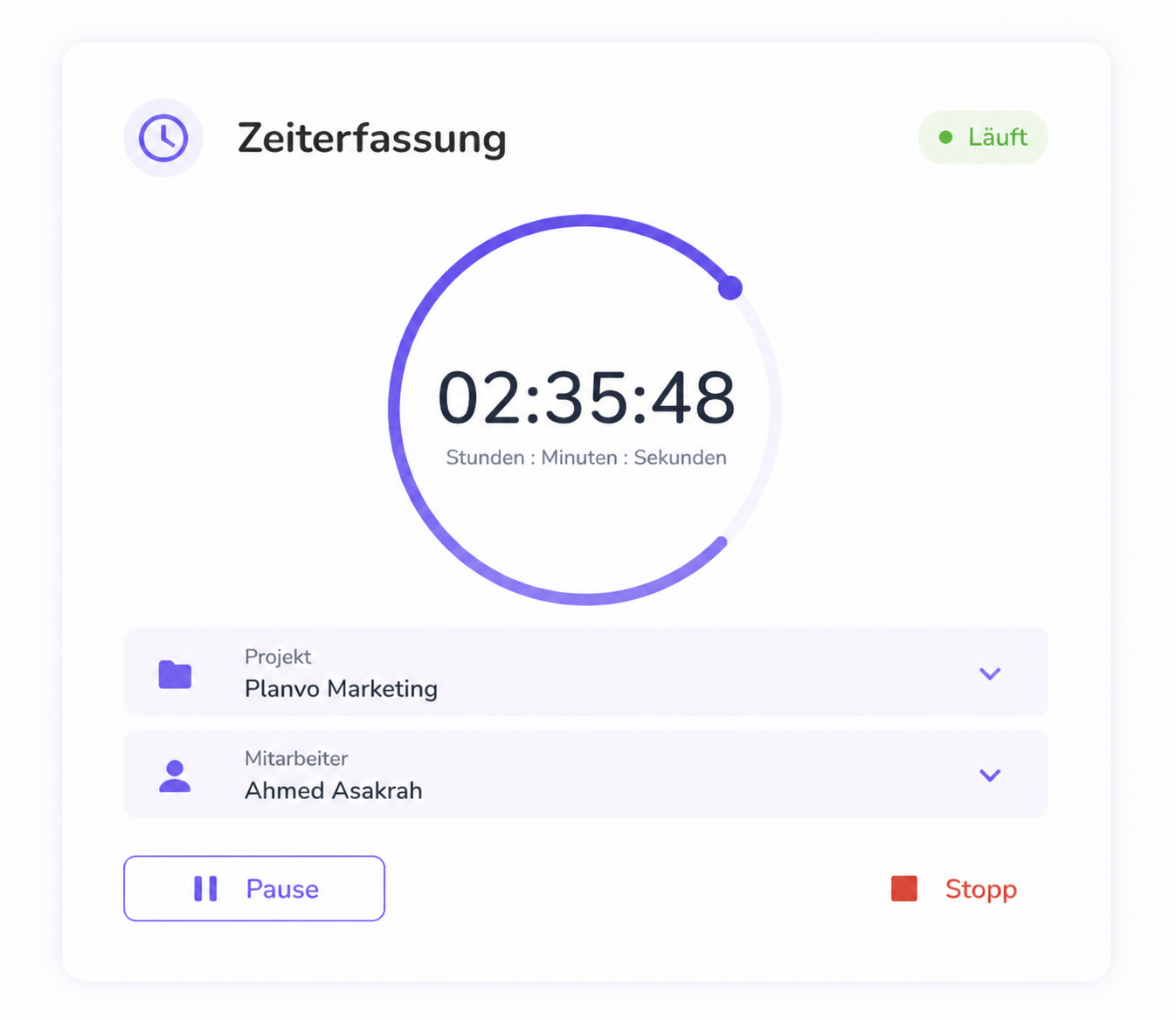
Planvo time tracking: running timer with project, employee, and pause/stop

Interface shown in German

Product screenshot

Time tracking in Planvo — overview, team, live

Screenshot from the product: KPIs, timeline with people, project and general time, plus live capture status.
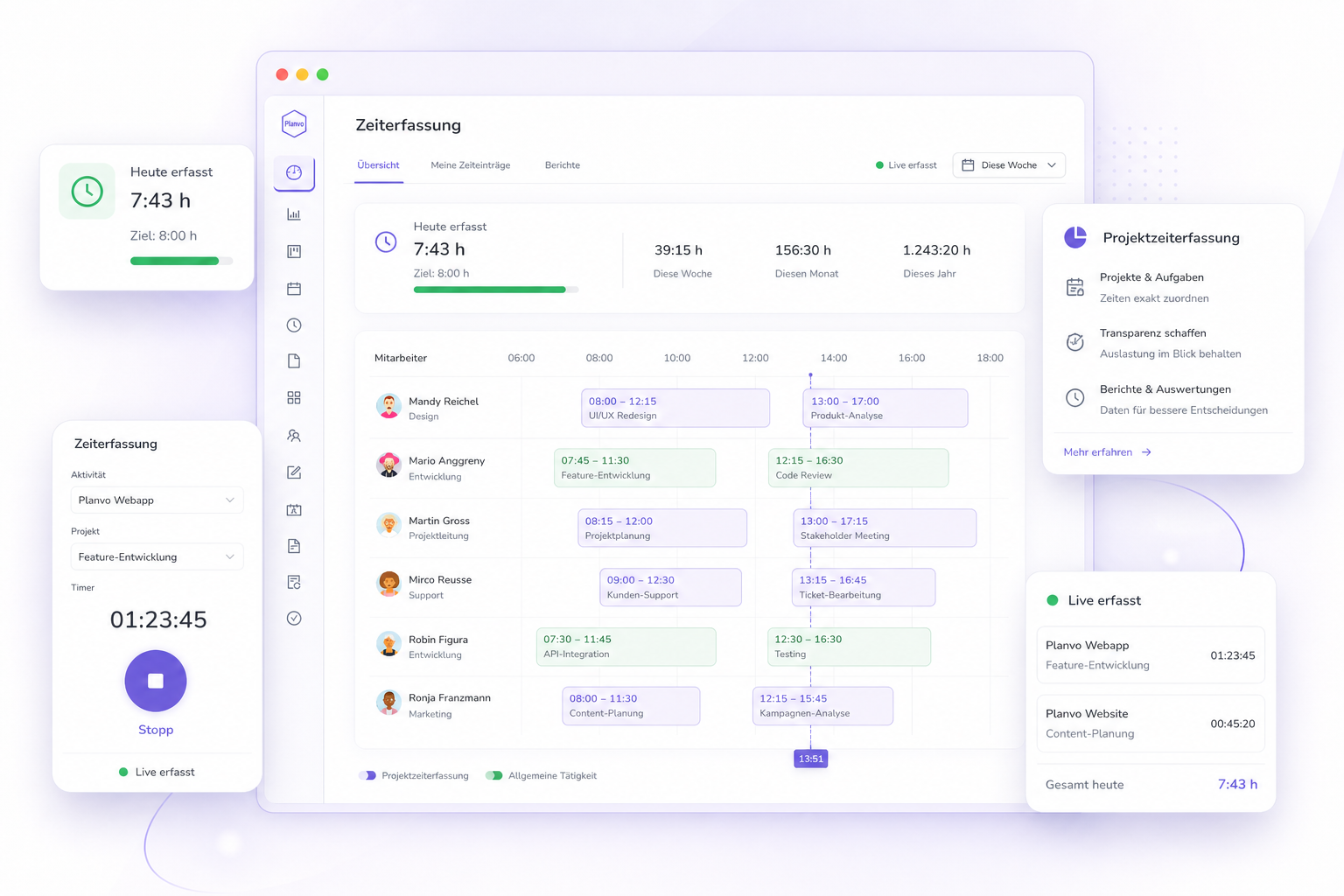
Planvo time tracking: overview with KPIs, employee timeline, and assignments
Time tracking in Planvo: hours overview, team on the timeline, project vs. general time — including live status. Interface shown in German.

What does Planvo mean for your business?

The difference between paper timesheets and time tracking that actually connects office, job site, and field service.

Still without Planvo

  • Timesheets, messenger, and Excel — no reliable picture of actual hours.
  • Many office callbacks: who was when on which site or with which customer?
  • Project time, breaks, and overtime are hard to merge — error-prone for payroll and billing.
  • Documented working-time duties often fall behind or stay inconsistent.
  • Complex specialty apps that field and workshop simply do not use day to day.

With Planvo

  • One time clock for web and app: start, pause, stop — hours land centrally and audibly.
  • Live team overview: who is clocked in and bound to which order or project.
  • Project time, break rules, and target hours feed reports and later billing.
  • GDPR-oriented with hosting in Germany — suited to businesses with documentation duties.
  • Clear, reduced UI: clock time in a few taps — also on the road or when it has to be quick.
  • Hosting in Deutschland
  • DSGVO-konform
  • Verschlüsselte Verbindung
  • EU-Standards

How time tracking works with Planvo

From project selection to PDF export — one workflow for office and field.
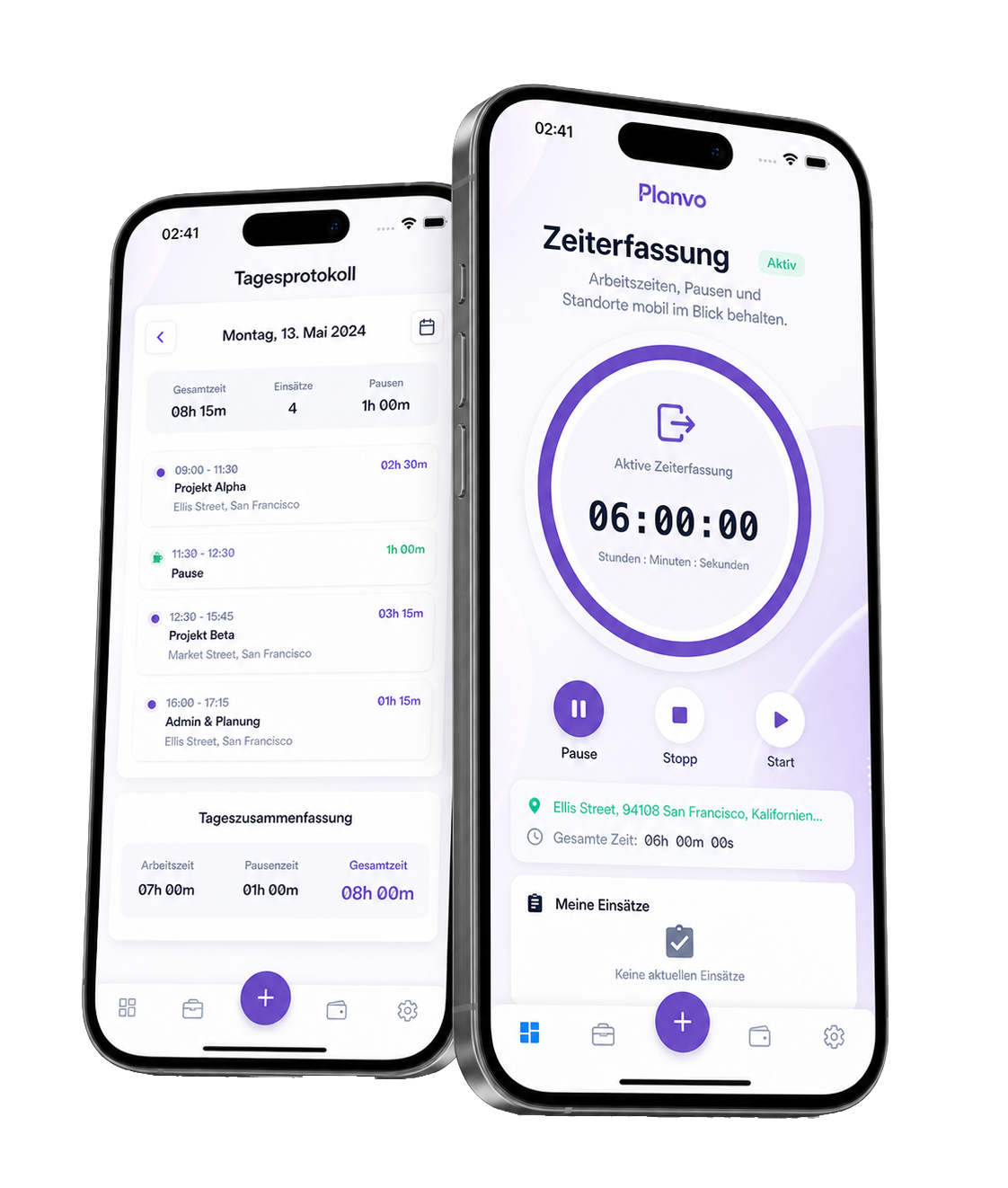
Planvo mobile app: time tracking with project pick, optional GPS, and day log
1
Dashboard

Smart project pick with optional GPS

Project-based time: Choose from active projects and assign every hour to the right job.

GPS integration: Optionally enable GPS for location-bound work — field service, sites, or customer visits.

Flexible options: Decide per entry whether GPS data is captured or not.

GPS optional
On/off per tap
Projects
Automatic assignment
Time capture

Simple time entry for every workplace

Flexible input: Capture in the web browser, by manual entry, or via the mobile app — as you need.

Automatic calculation: Breaks are considered, overtime spotted, hours calculated precisely.

Real-time overview: See who is working, which projects are active, and how many hours are already logged.

Start/Stop
Manual
Mobile app
2

Web · Manual · App

Same hours for payroll and invoicing — whether you clock on site or enter in the office.

3
Project analysis
Revenue reports
Employee KPIs
Controlling dashboard
Analysis & export

Reports for customers and controlling

Reports: Filter by team, project, and period — export as PDF, Excel, or CSV for internal analysis and customer docs.

PDF & costs: Formatted reports with time data; optional GPS. Hourly rates, project costs, and revenue for billing and analysis.

Connected in Planvo

  • Scheduling board

    Jobs planned on the board feed who clocks time where — office and field stay aligned.

    To scheduling board
  • Mobile app

    Start, pause, stop on the right project — iOS and Android, with optional location.

    To mobile app
  • Projects

    Hours land on the order — ready for documentation and invoicing.

    To projects

Questions about time tracking

Short answers — no marketing fluff.

  • How does time tracking work in Planvo?

    Start, pause, and stop on a project via web or mobile app. Optional GPS. Hours are central for payroll, controlling, and invoicing.

  • Is GPS required?

    No. GPS is optional per entry — useful for field work, not mandatory.

  • Where is data hosted?

    In Germany, GDPR-oriented. Details are in the privacy policy.

  • Can I try Planvo first?

    Yes. 14 days free, no credit card. Or book a demo.

Is Planvo a fit for your trade business?

We show board, time tracking, and billing in a short demo — or start the 14-day trial right away.

Request demo
info@planvo.de+49 176 66890147
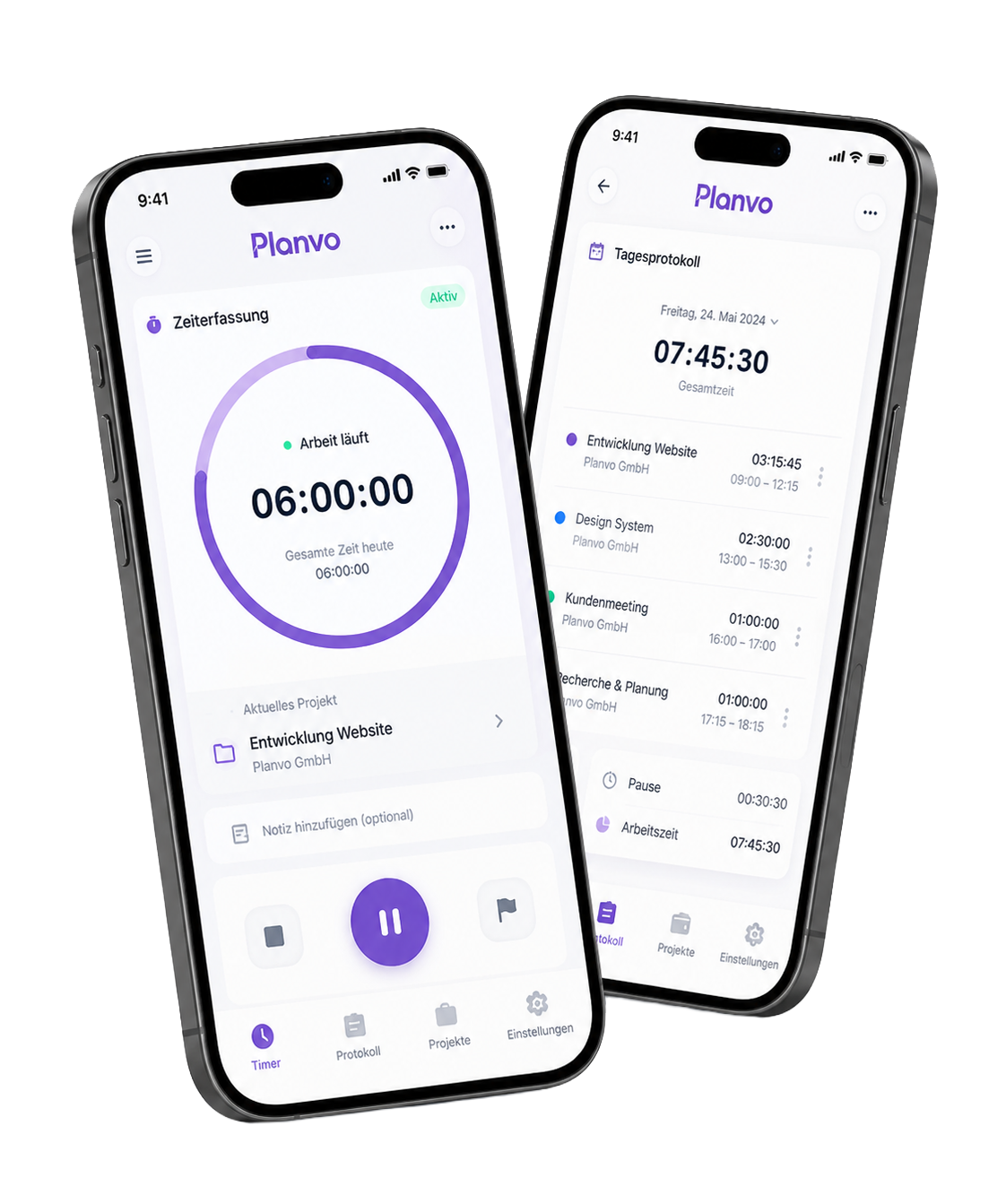
Planvo mobile app on iPhone — time tracking and day overview